A simple upload page you share by link. Clients, students or applicants drop their files in, no Google account needed. Files land in your Drive folder, every upload is logged in a sheet, and you get an email.
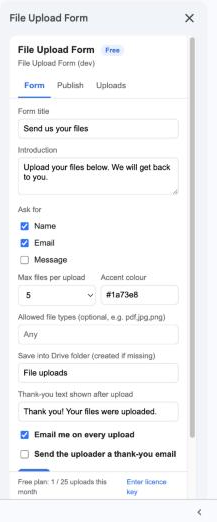
Open a Google Sheet, choose Extensions → Upload Link → Open, and fill in the title, the fields to ask for (name, email, message), allowed file types and the Drive folder. Click Save.
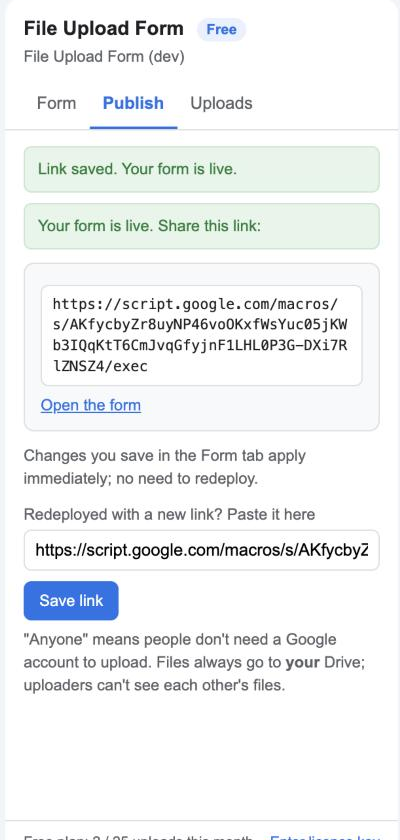
Follow the four clicks on the Publish tab (Deploy → Web app, run as you, access Anyone), paste the link back, and your form is live. You never need to do this again.
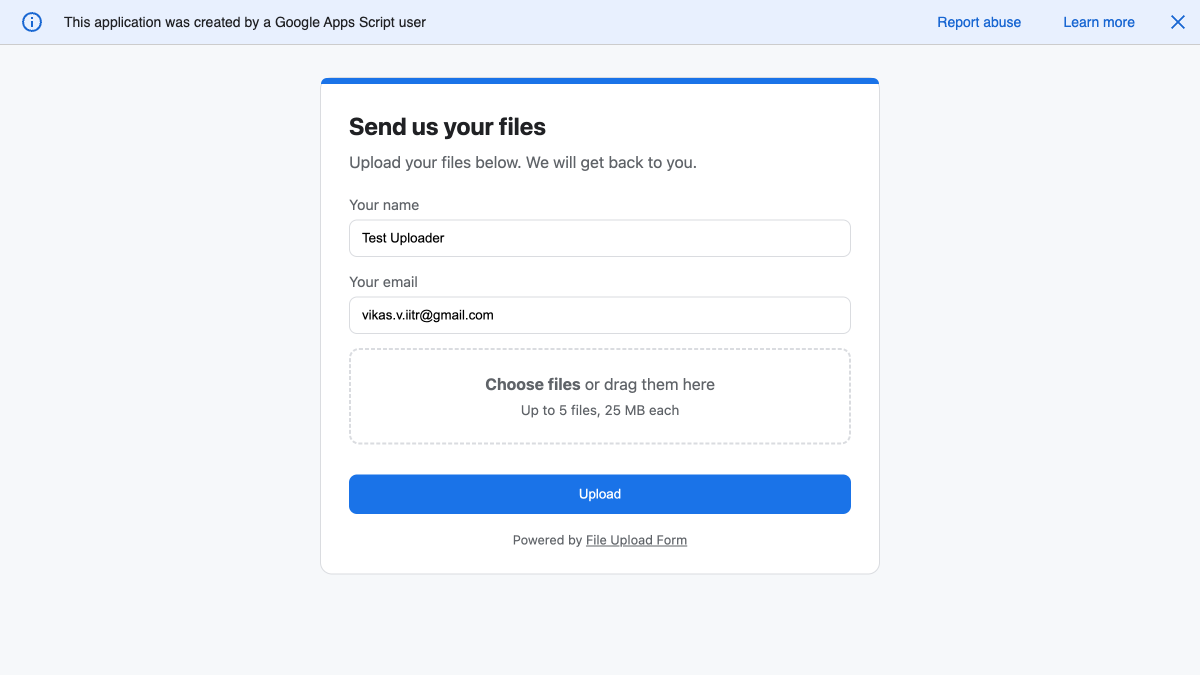
Anyone with the link sees a clean page with your title and colour. They drag in up to ten files and press Upload; no sign-in, no Drive sharing dance.
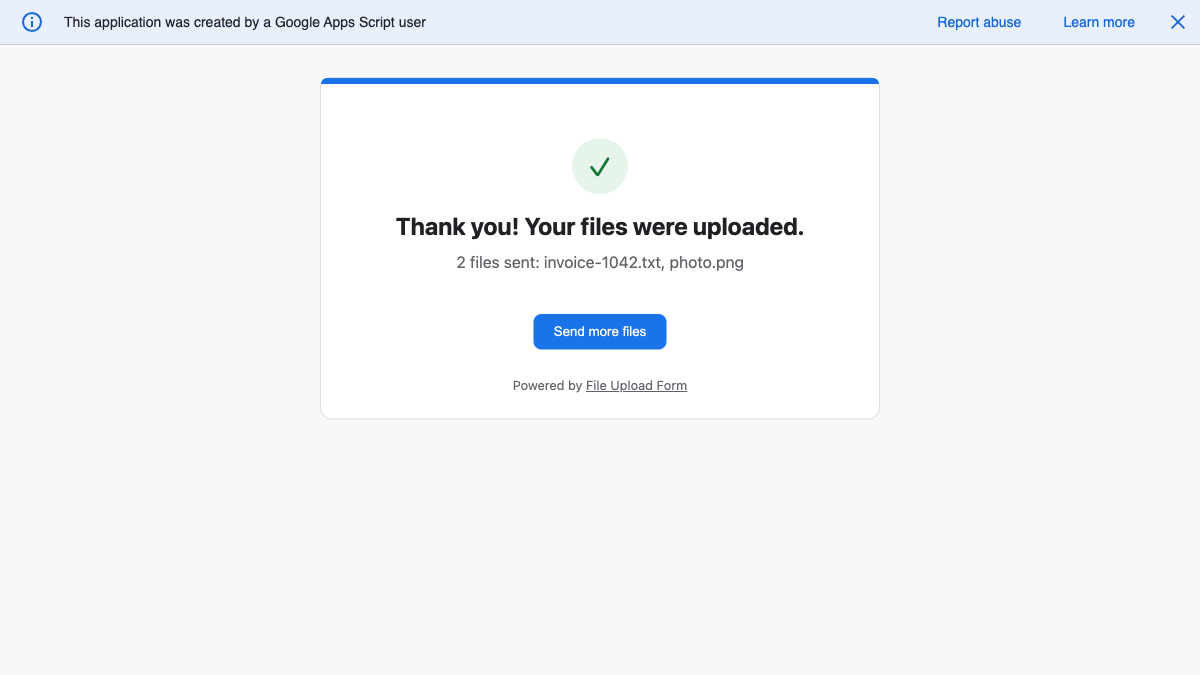
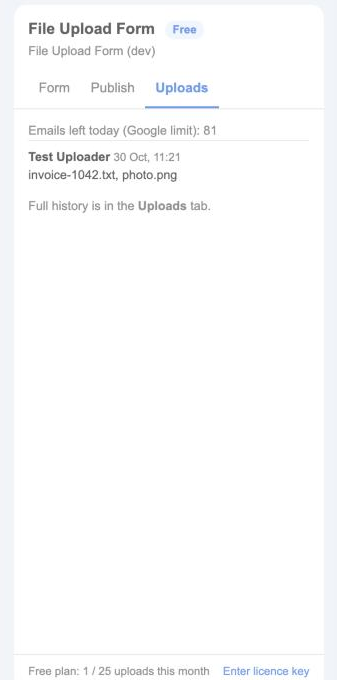
Each upload goes into your folder, adds a row to the Uploads tab with links to the files, and emails you. Optionally the uploader gets a thank-you email too.
Uploaders only need the link. The page runs under your account, so files go into your Drive, and uploaders never see each other's files. Learn more

Ask for a name, email or message. Limit file types (pdf,jpg,png) and the number of files. Wrong or oversize files are refused with a clear message before anything is sent. Learn more

Every submission is one row in the Uploads tab with time, name, email, message, file names and Drive links. Sort it, filter it, share it. Learn more

Get a message with the uploader's details and links to the files. Reply goes straight to the uploader. Learn more

Send the uploader a confirmation with your own wording and placeholders for their name and file list. Learn more

The add-on can only create files in the folder it made. It never asks to see the rest of your Drive. Learn more

Start free. Upgrade when you need more.
Google's own email limit applies to the notifications, about 100 a day on a free Gmail account and 1,500 on Google Workspace.
No. The form is a public web page. Anyone with the link can use it from a phone or a computer.
Into a folder in your own Drive, named in the settings (default "File uploads"). Files are uploaded under your account, so uploaders can't see them or each other's.
25 MB per file in this version, up to 10 files per upload. Larger files are refused before the upload starts.
Google adds that banner to every page published this way. It's a sign the form really runs under your Google account; your visitors can dismiss it.
Yes. Anything you save in the sidebar applies immediately. You only publish once.
Yes. Each Google Sheet is one form with its own settings, folder, log and link.
Yes, any time. The licence stays active until the end of the year you paid for.
We ask for the smallest set Google allows. Full details in the privacy policy.
| Permission | Why it is needed |
|---|---|
spreadsheets.currentonly | Read the settings and write the Uploads tab in the spreadsheet the add-on is open in. No other spreadsheet. |
drive.file | Create the upload folder and save the uploaded files into it. This permission only covers files the add-on itself creates; it cannot see the rest of your Drive. |
script.external_request | Talk to Google's own Drive API to create the folder and save the files. No other address is contacted. |
script.send_mail | Send you the notification and, if you turn it on, the thank-you email to the uploader. |
script.container.ui | Show the sidebar inside Google Sheets. |
userinfo.email | Know which Google account owns the form, for the notification address and the licence. |
Accountants collect receipts and bank statements. Schools take assignment submissions. Agencies receive logos and photos from clients. Recruiters gather CVs. Anyone who is tired of “can you share that with me on Drive?”.