Templates and placeholders
How to write a template Doc, what gets copied, and how placeholders are matched.
Placeholders
A placeholder is a column header inside double braces: {{Name}}. Matching ignores capitalisation and spaces around the name, so {{ name }} also works. A placeholder with no matching column becomes empty text.
Placeholders can go anywhere in the body: paragraphs, headings, table cells, list items. They keep the formatting of the text around them, so a bold {{Name}} produces a bold name.
What is copied from the template
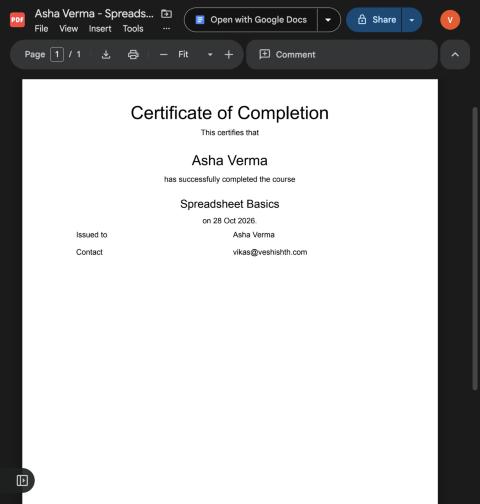
The body of the Doc: paragraphs with their styles, headings, bullet and numbered lists, tables, inline images, page breaks, and the page size and margins.
Not copied in this version: headers, footers and footnotes. Put a logo or title in the body instead.
Values
Values are taken as they are displayed in the sheet, so a cell formatted as a currency or a date arrives formatted. If a column holds formulas, the results are used.
File names
The file name field accepts the same placeholders, for example Invoice {{Invoice No}} - {{Customer}}. Characters that are not allowed in file names are replaced with a dash.
Tips
- Keep one template per document type and one sheet per batch.
- Put the template in a folder of its own so nobody edits it by accident. The add-on never changes it.
- For a signature or stamp, insert the image in the template body; it is copied into every document.